
Restaurant POSBranch Eats
One restaurant system worn three ways (your staff on the terminal, guests at a self-serve kiosk, guests at the table), and it keeps ringing when the line drops.
- Staff POS
- Deli Kiosk
- Table Order
- Works offline
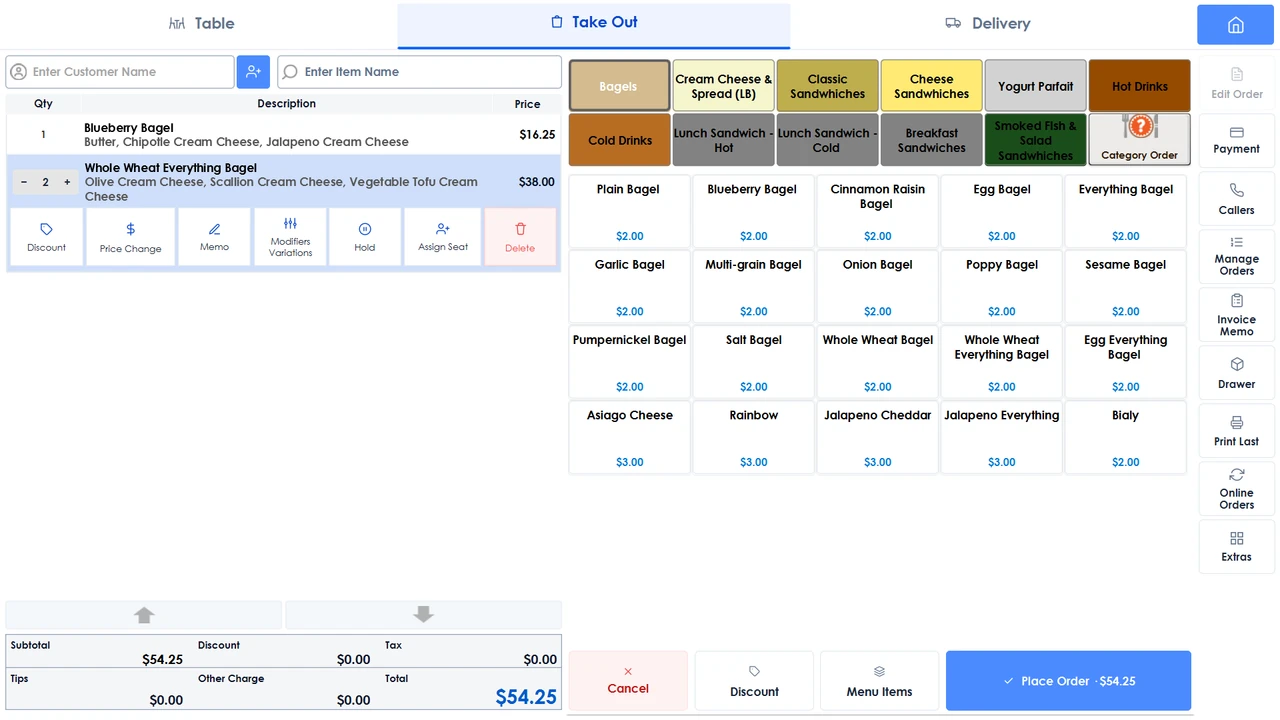
The terminal your team actually works on.
Dine-in, takeout and delivery arrive on the same rail, so a server, a driver and a delivery app are three routes into one screen rather than three systems to reconcile at close.
Floor planRooms, seat counts and a default server per table, laid out the way your floor is.
Checks that splitMerge or divide tables, assign an item to a guest, and split by guest, item or amount.
Kitchen displayItems route to the station that makes them, with cooking-step tracking, a customer-facing order-status screen and spoken call-out. Licensed per screen.
Tips and gratuityAutomatic gratuity on large parties, tips settled at the terminal, and the check reprinted in a tap.
EBT Food and EBT CashFirst-class tenders at the counter, with a balance check run from the terminal itself and begin, purchase and end balances printed on the receipt.
Delivery appsUber Eats, DoorDash, Grubhub and Menufy land beside walk-ins, and the first three can each carry their own menu prices.
Your own online orderingPickup, delivery, curbside and QR table ordering under your name, with a live delivery quote and ETA from Uber Direct at checkout.
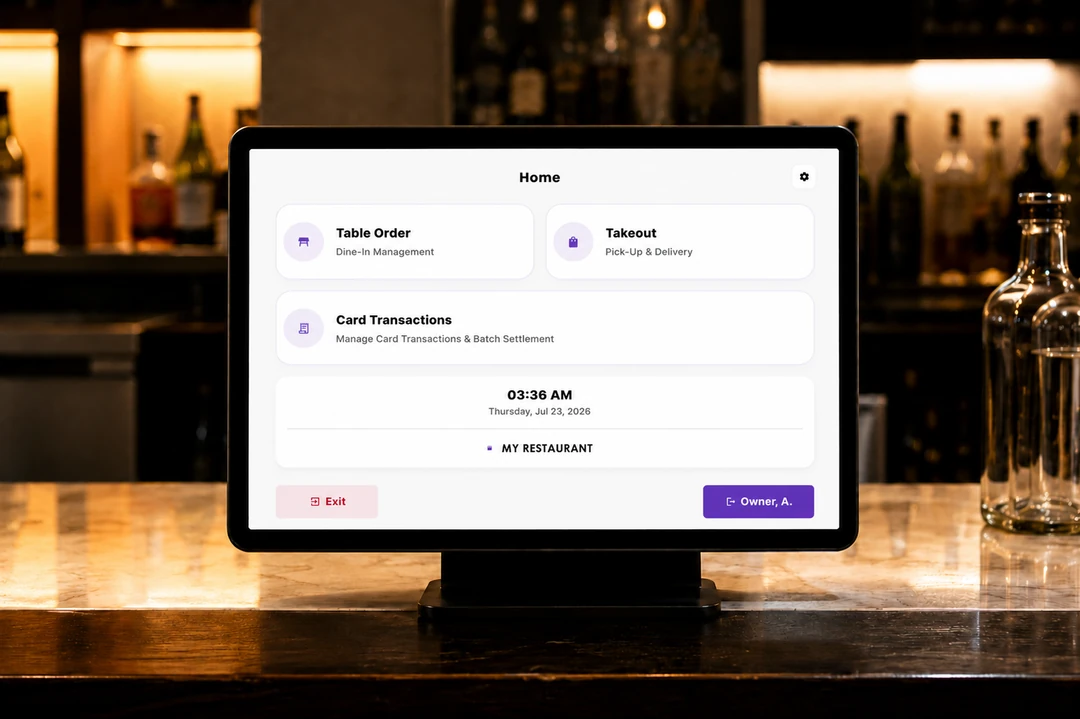
The home screen, at the counter. 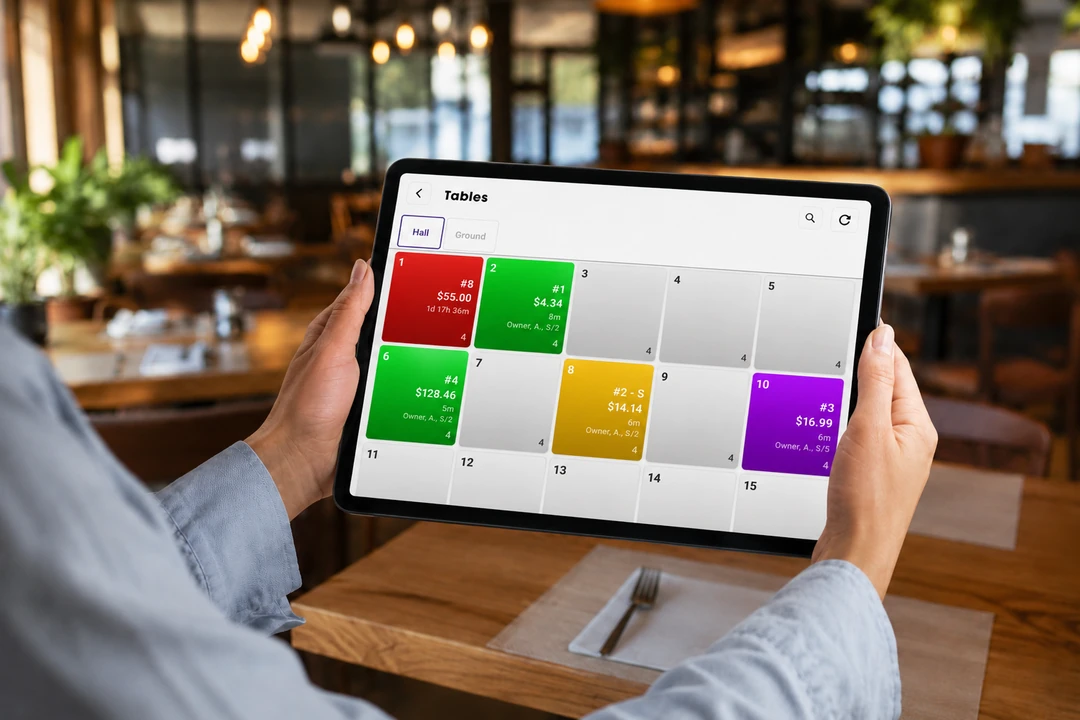
The table map: rooms and seats as your floor is laid out. 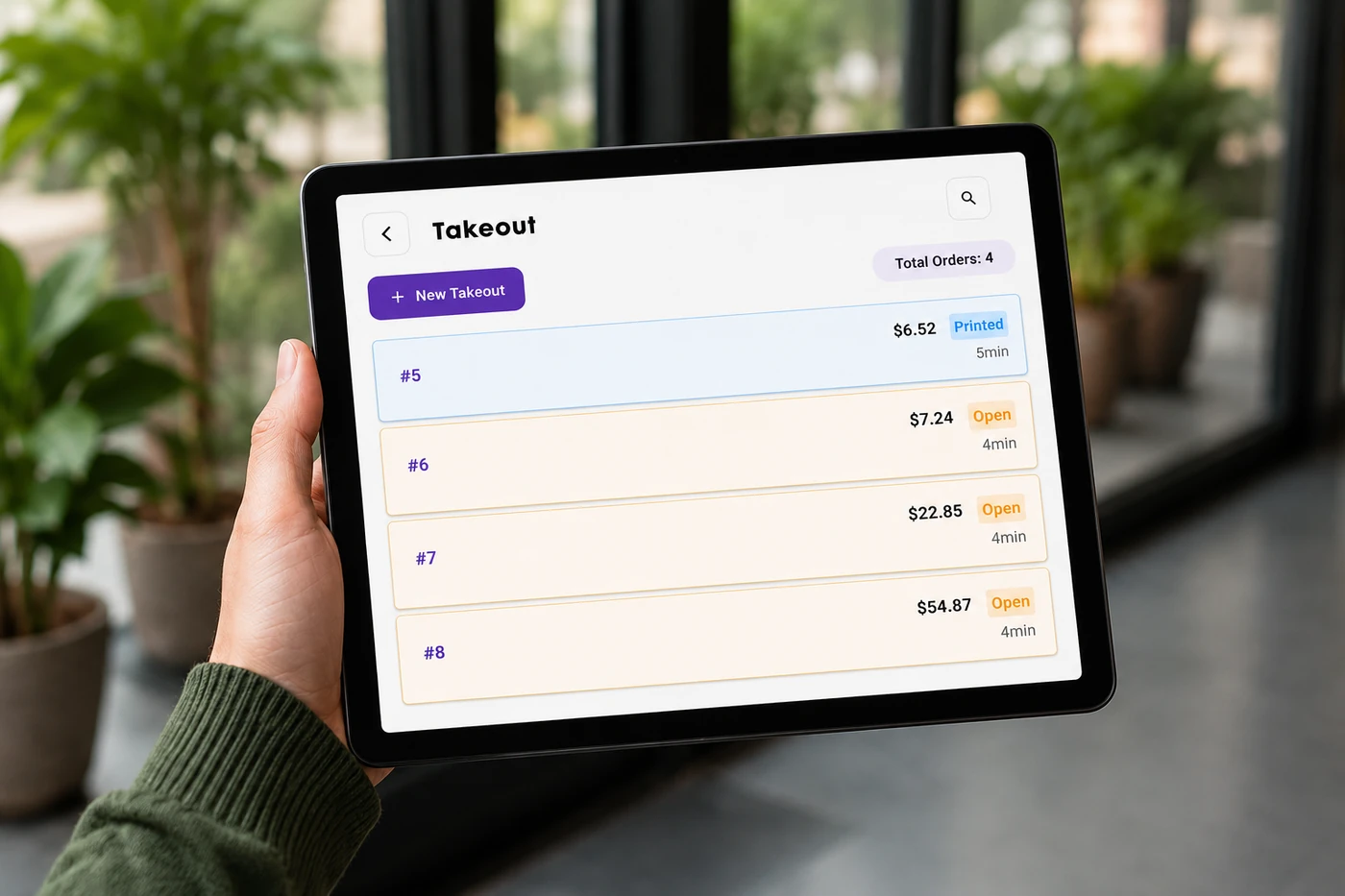
The takeout list, held in one hand. 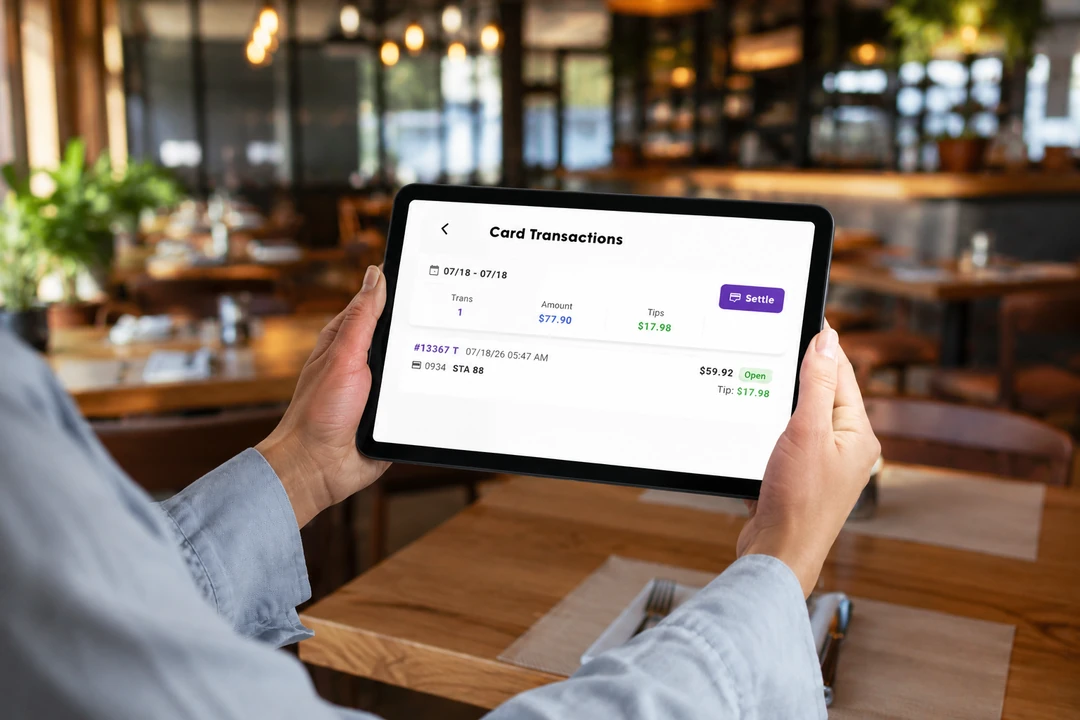
Card transactions, listed on the terminal.
The counter that serves itself.
A guest orders and pays without occupying anyone, and the menu they see is the one the counter rings from. Kiosk stations are licensed per station.
 01
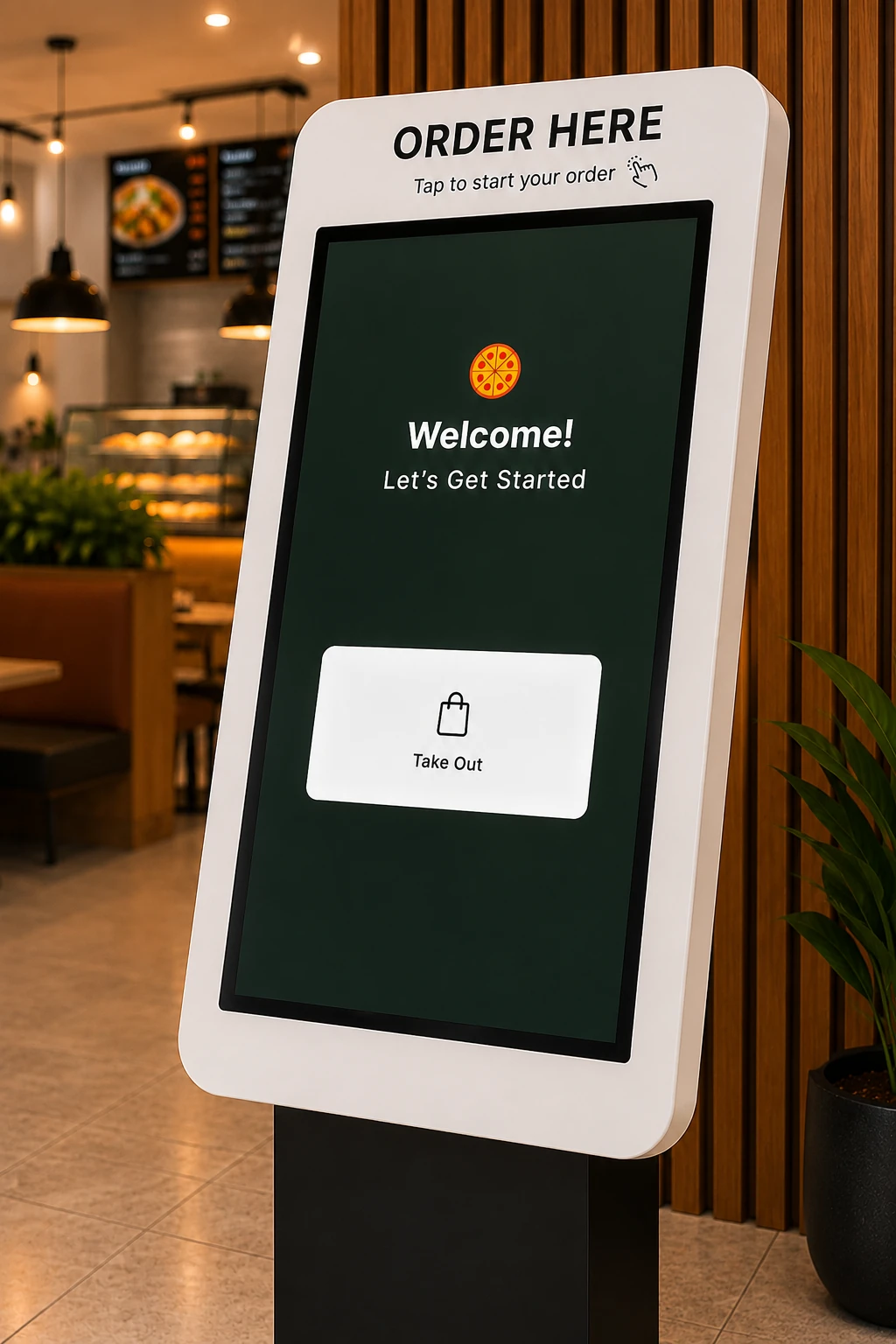
01Order here
A free-standing station for the lobby or the deli counter.
 02
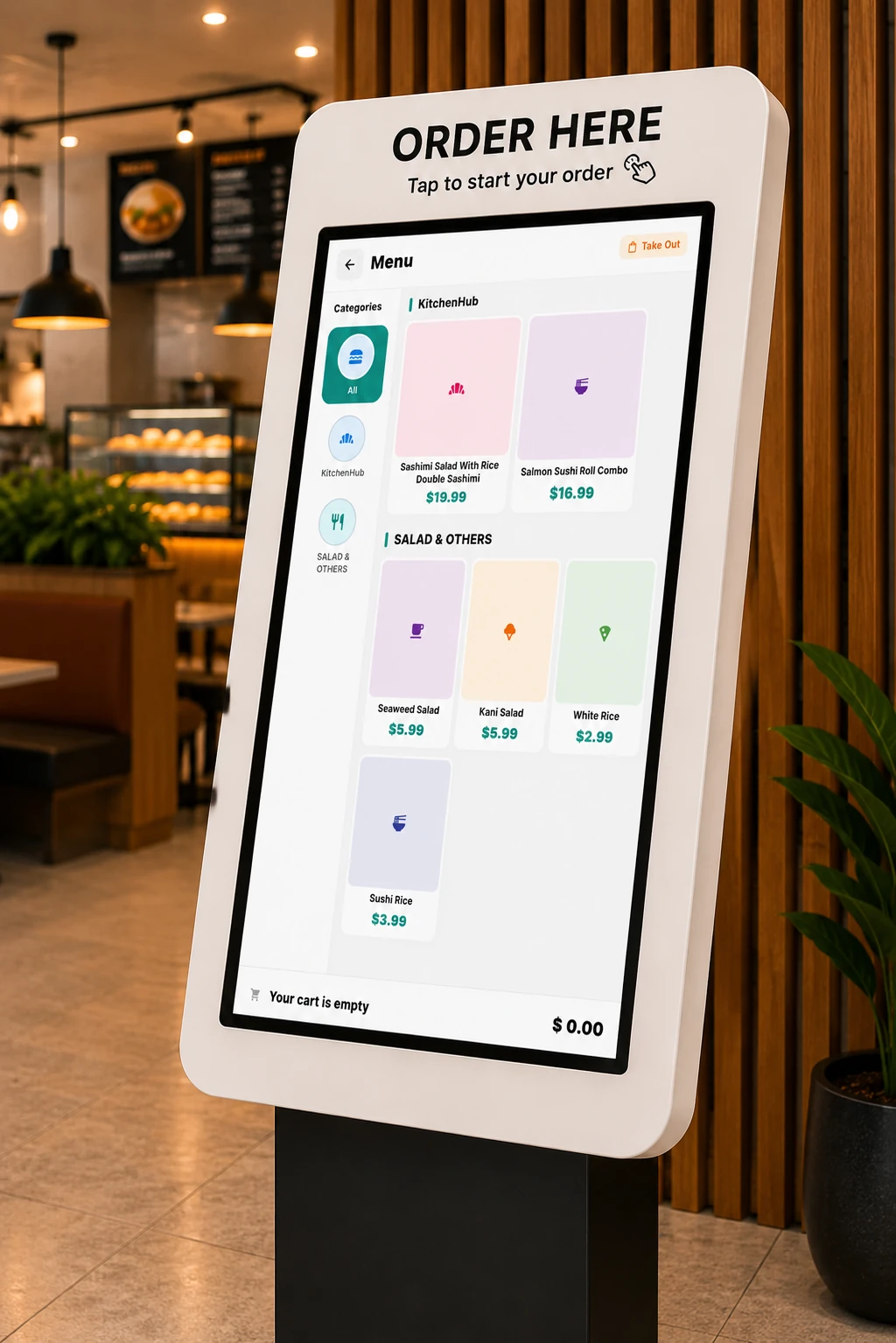
02Your live menu
Every route reads the same live menu, so it is never a second menu to maintain.
 03
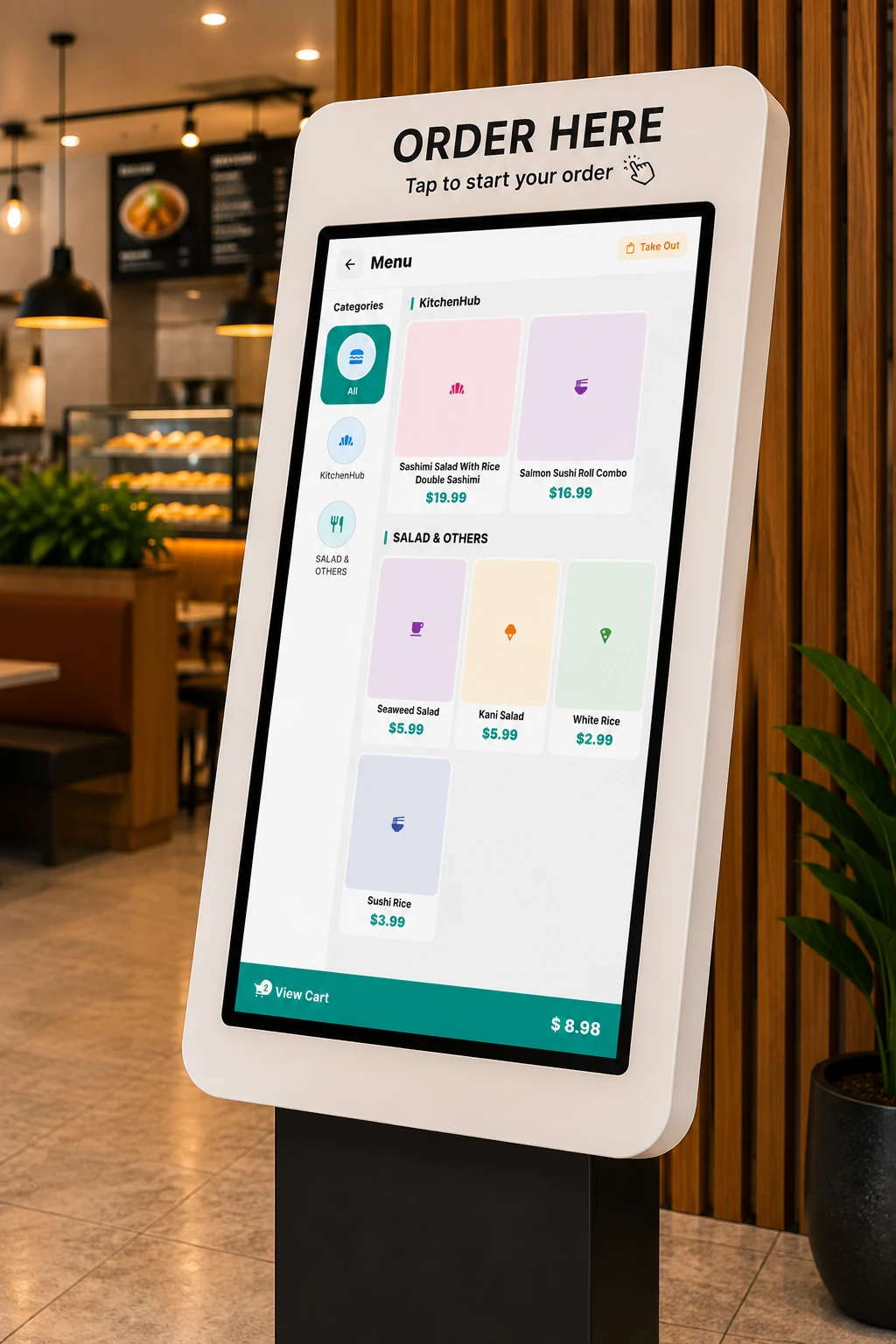
03Items go in the basket
86 something and it is locked out here straight away, on the online menu too, and pulled from your delivery-app menus.
 04
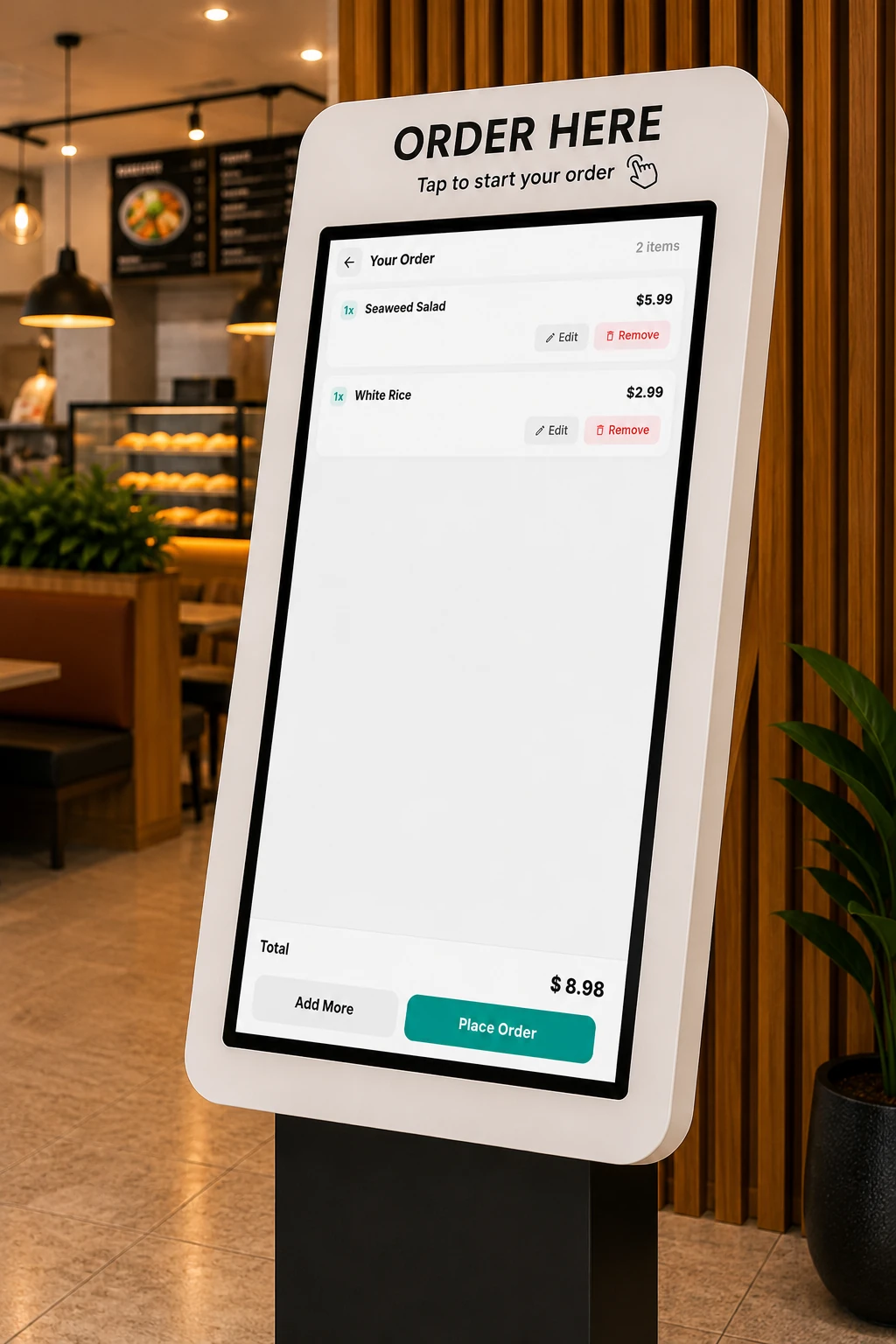
04The order, reviewed
The guest checks what they picked before any of it reaches the kitchen.
 05
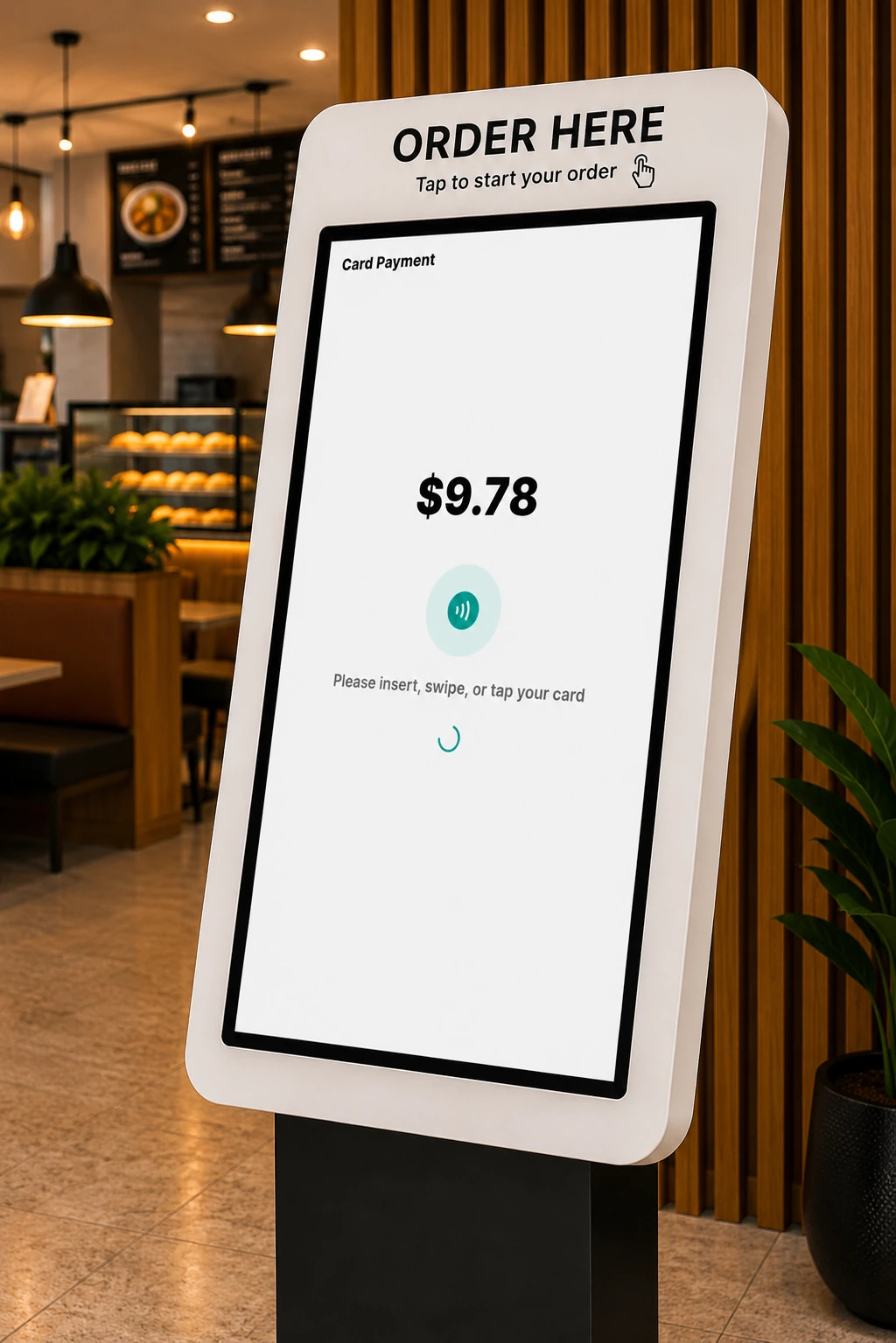
05Paid at the kiosk
Guests pay where they ordered, so the line moves without another register.
A menu on every table.
Guests order from the table off the same live menu the counter rings from, so a sold-out item is sold out everywhere at once and nobody waits to be noticed.
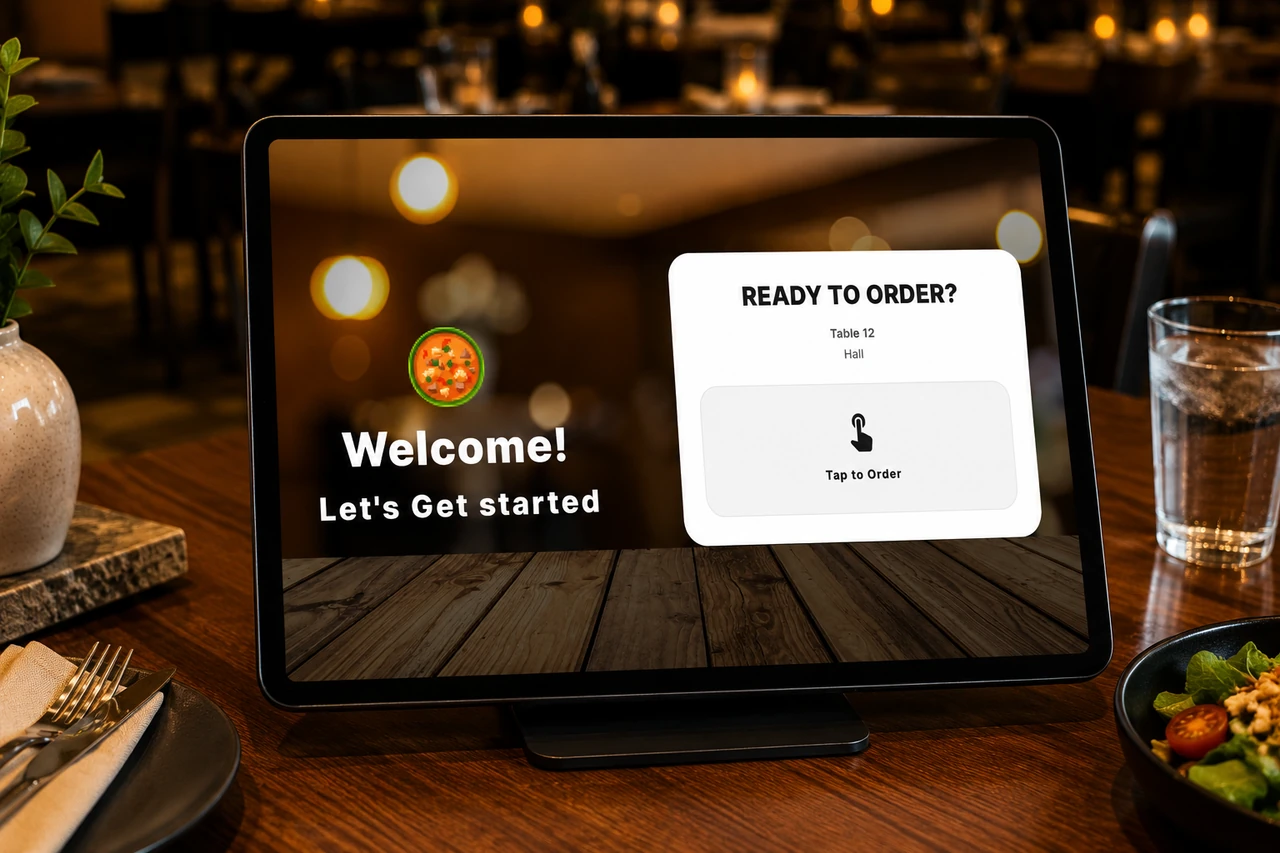
Idle at the table, waiting for a guest. 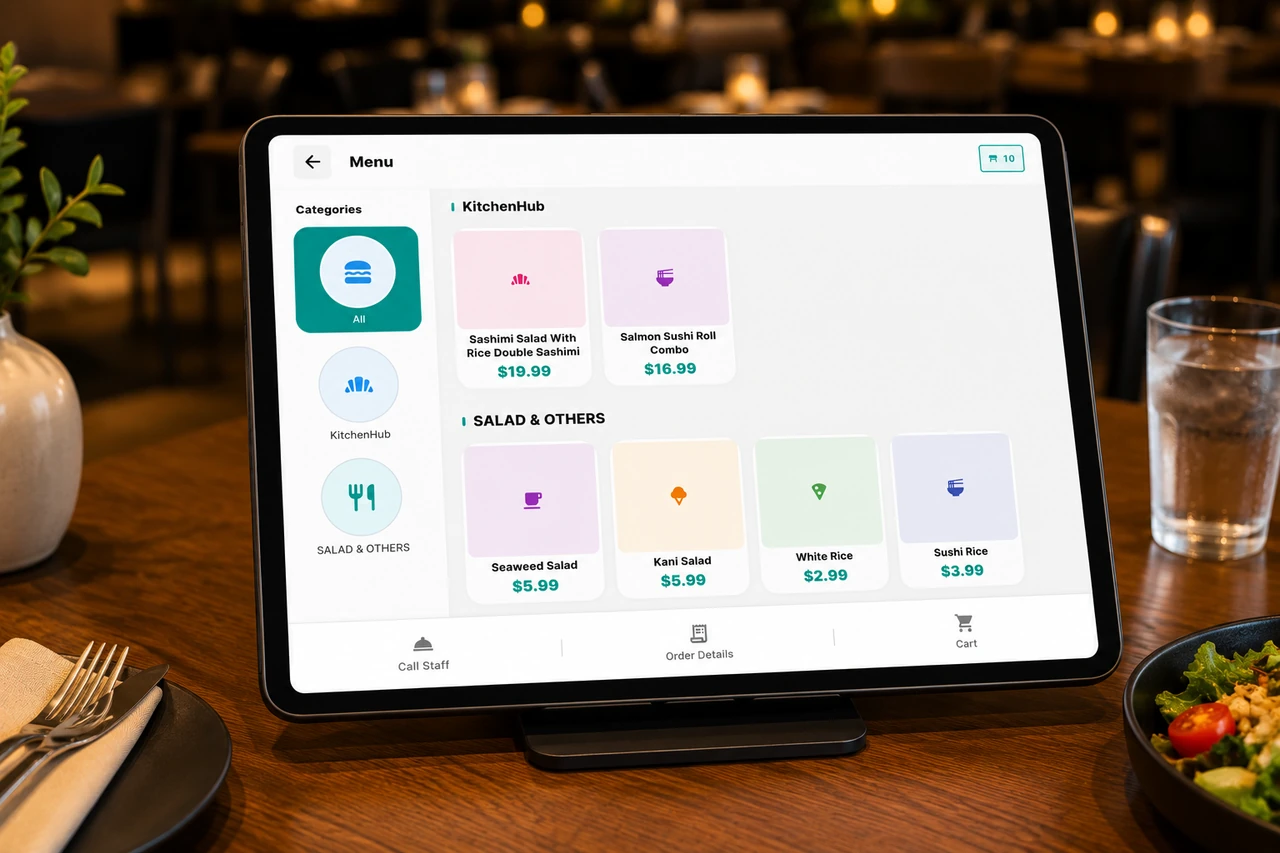
The guest menu: the same one the counter rings from. 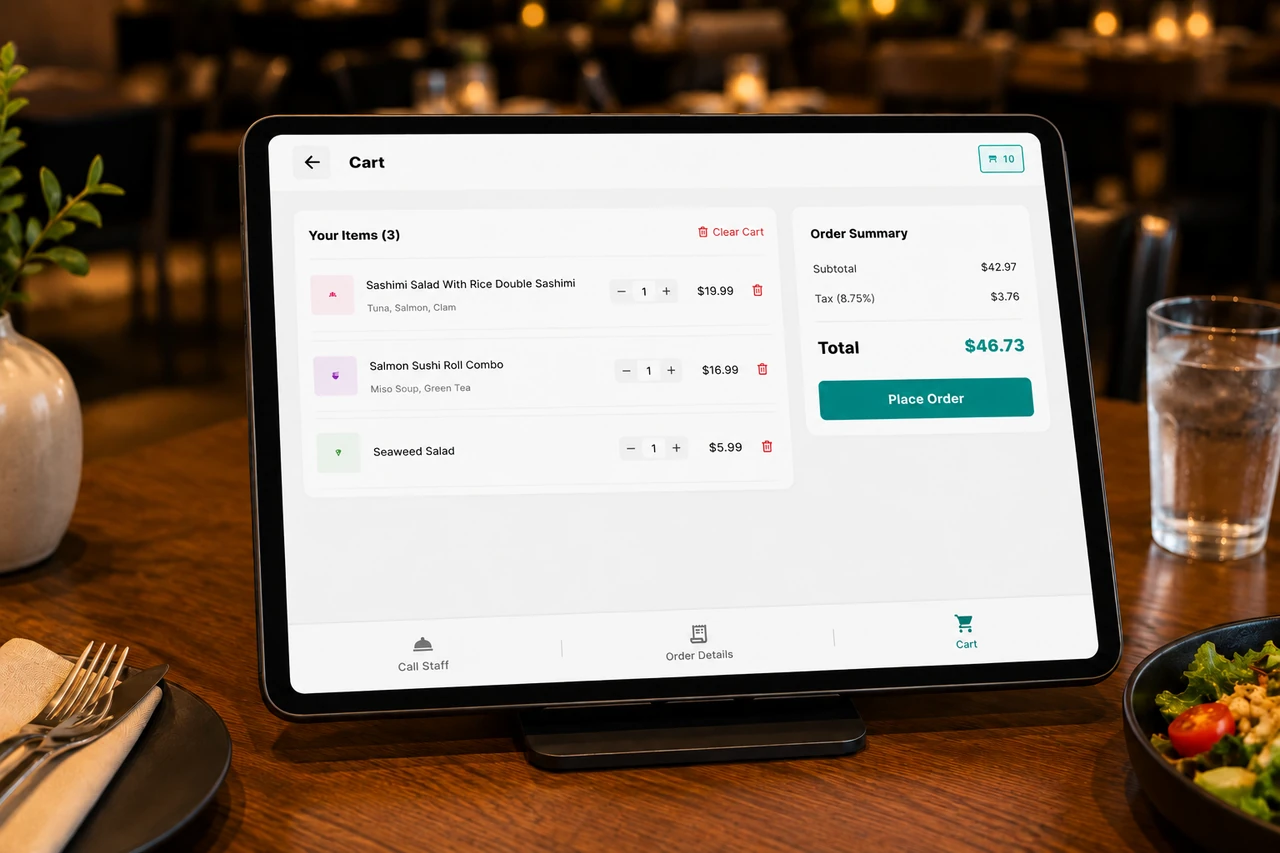
The order so far, before it is sent. 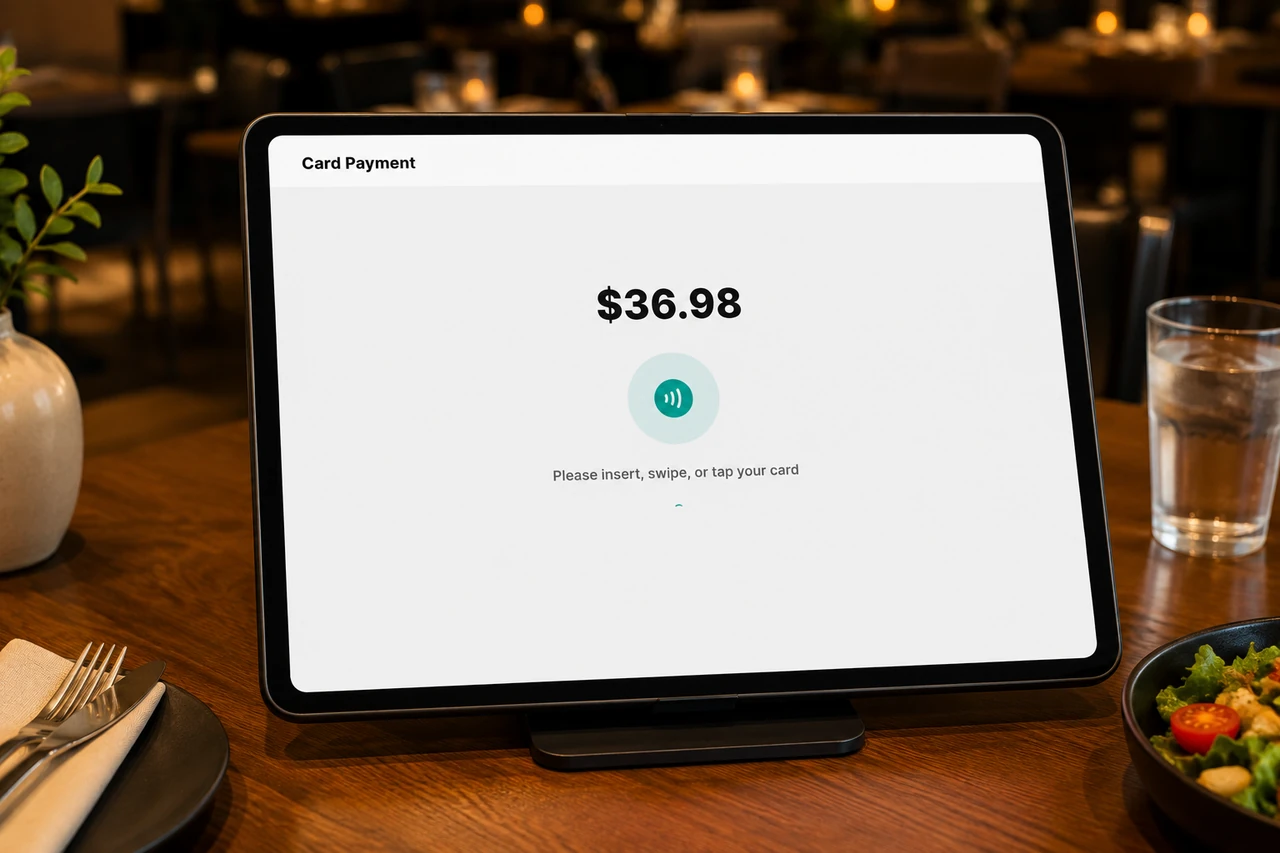
The payment step, at the table.
Service does not stop for your internet.
The terminal runs on a local copy of your data, so orders keep going in while the connection is out and sync back up the moment it returns.
Card payments still need the line. Everything else (orders, tickets, the kitchen) keeps moving.
The whole restaurant, behind the counter.
Menu, stock, staff and reports all run on the terminal itself — the same screen that rings the sale.
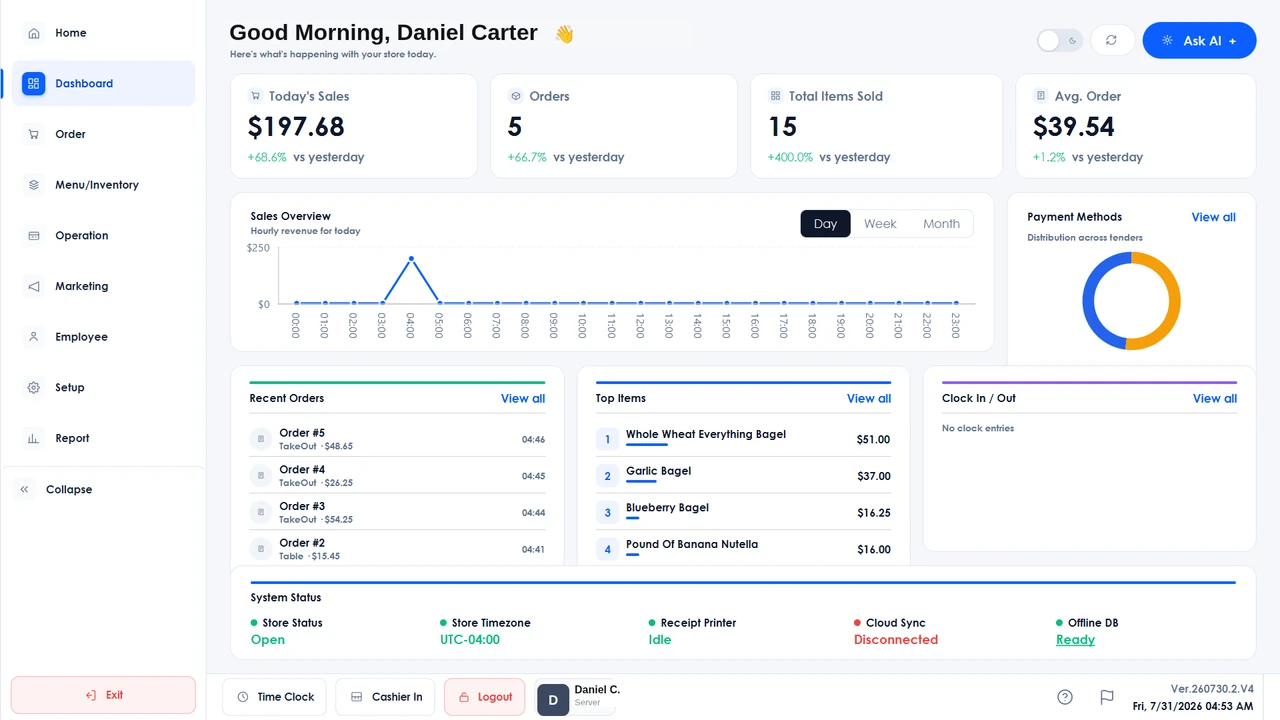
The day at a glance: sales, orders and average order value, the cash-versus-card split and the store’s live system status. 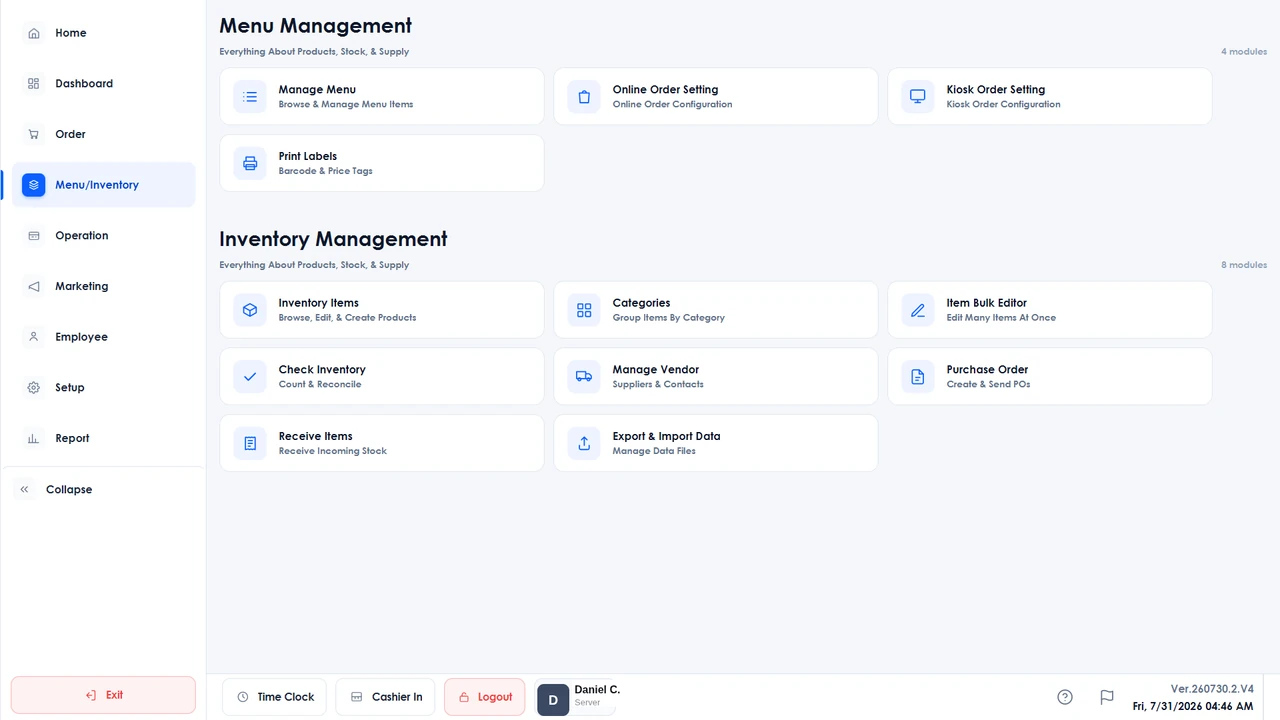
Menu and stock in one place: online and kiosk menu setup, label printing, purchase orders, receiving, physical counts and vendors. 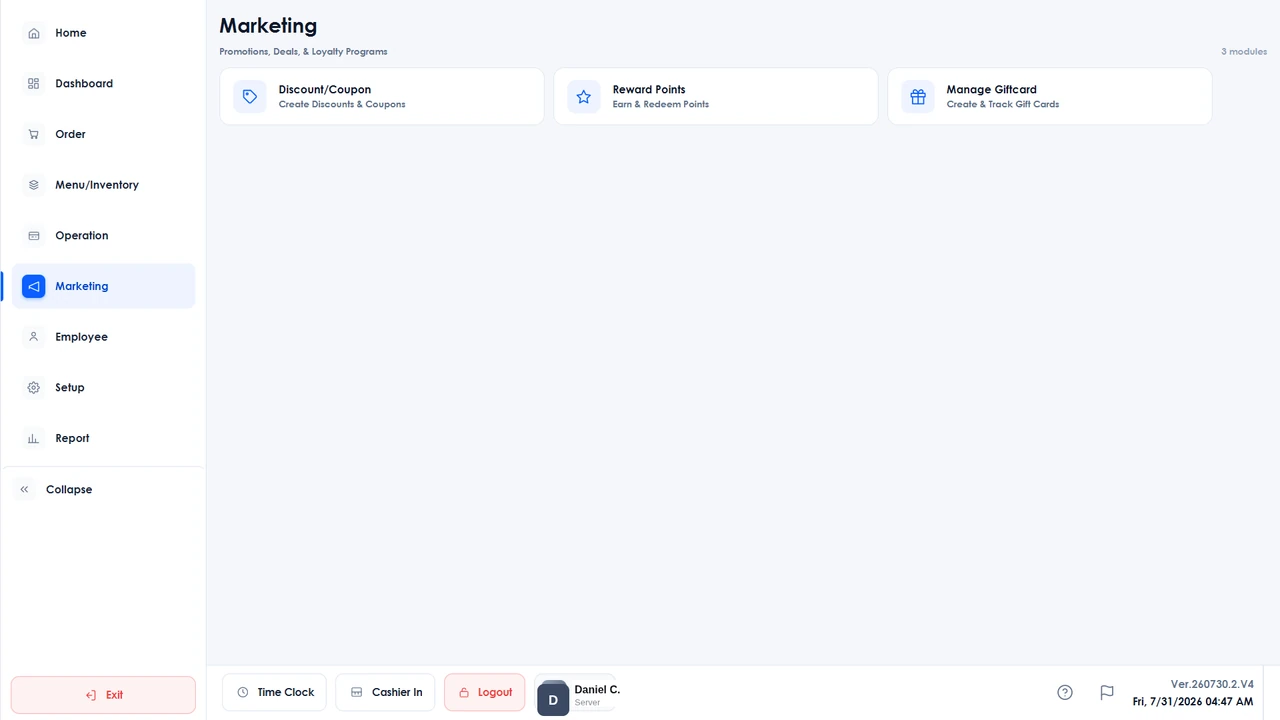
Coupons and discounts, reward points and gift cards. 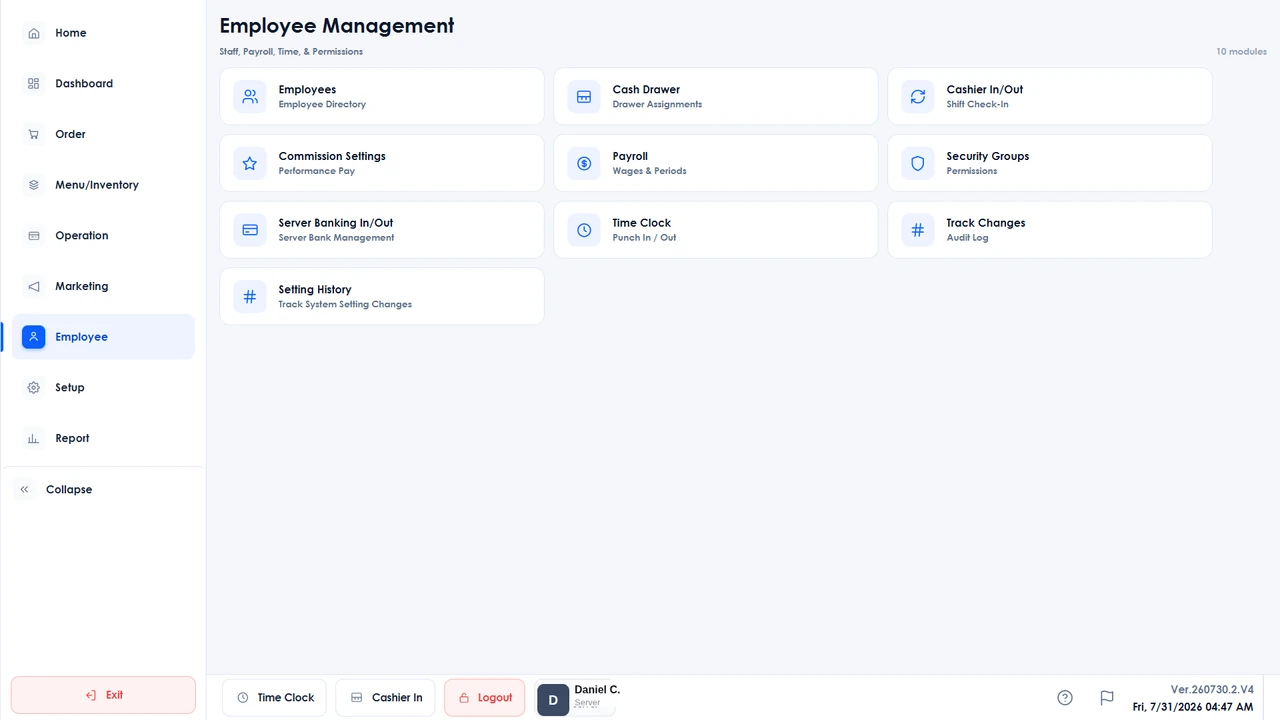
The employee directory, commission and payroll settings, security groups, time clock, cashier banking and a change log for every setting. 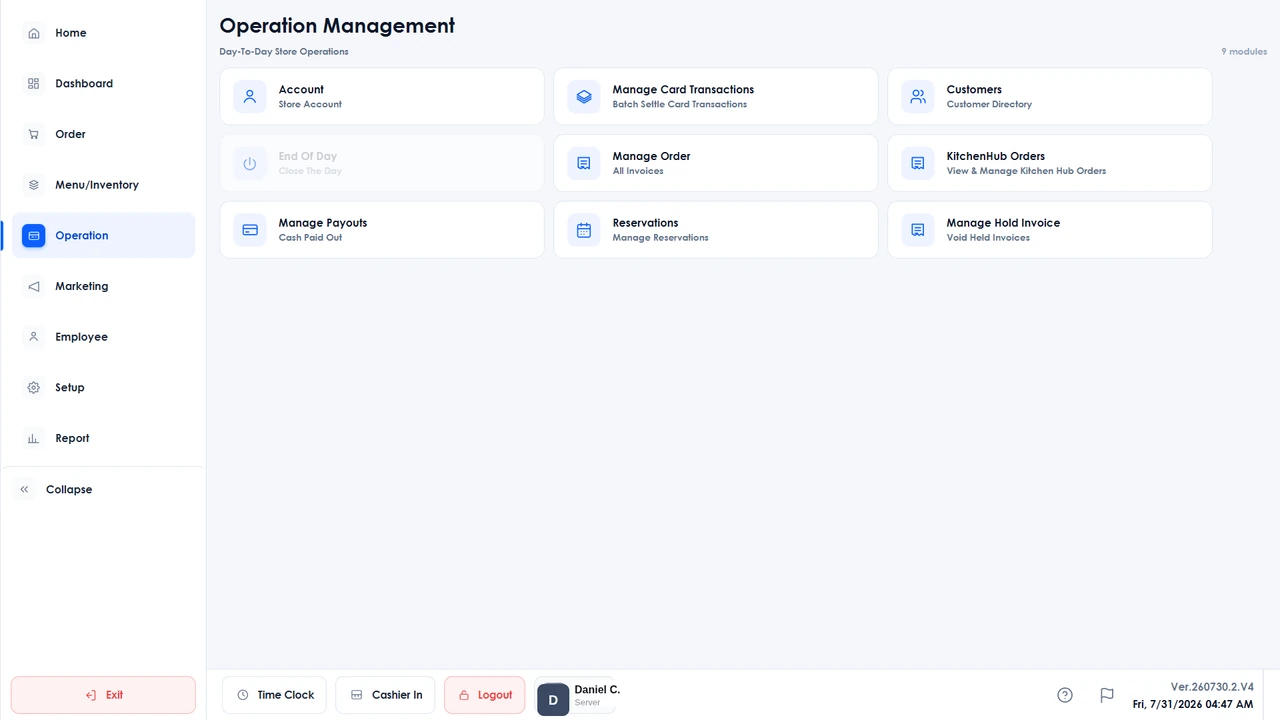
Day-to-day running: batch card settlement, the customer directory, KitchenHub order management and reservations. 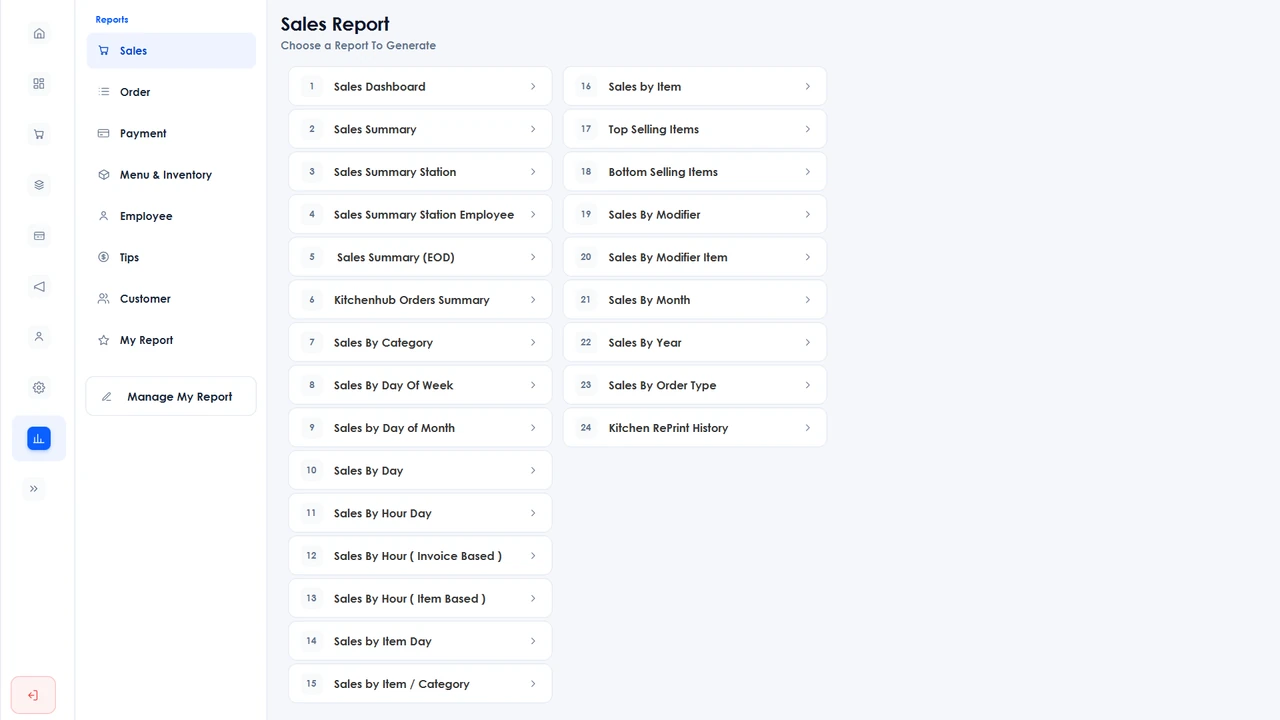
Seven report categories: sales, orders, payments, inventory, employees, tips and customers, each printed or emailed as a PDF, or exported to Excel.
The parts that do not change.
Dine-in, kiosk, online and the delivery apps all ring against the one Branch Eats catalog and land in the same Eats reports.
Dual pricing
Cash and card totals side by side on the customer display, with the fee applied before tax or after it.
Inventory
Purchase orders, receiving and physical counts, with a label designer built in.
Reporting
Sales, payments, inventory, employees, customers, orders and tips: exported to Excel or PDF, or emailed on a schedule.
Labor
Time clock with optional clock-in video, cashier in and out by denomination, payroll and granular staff permissions.
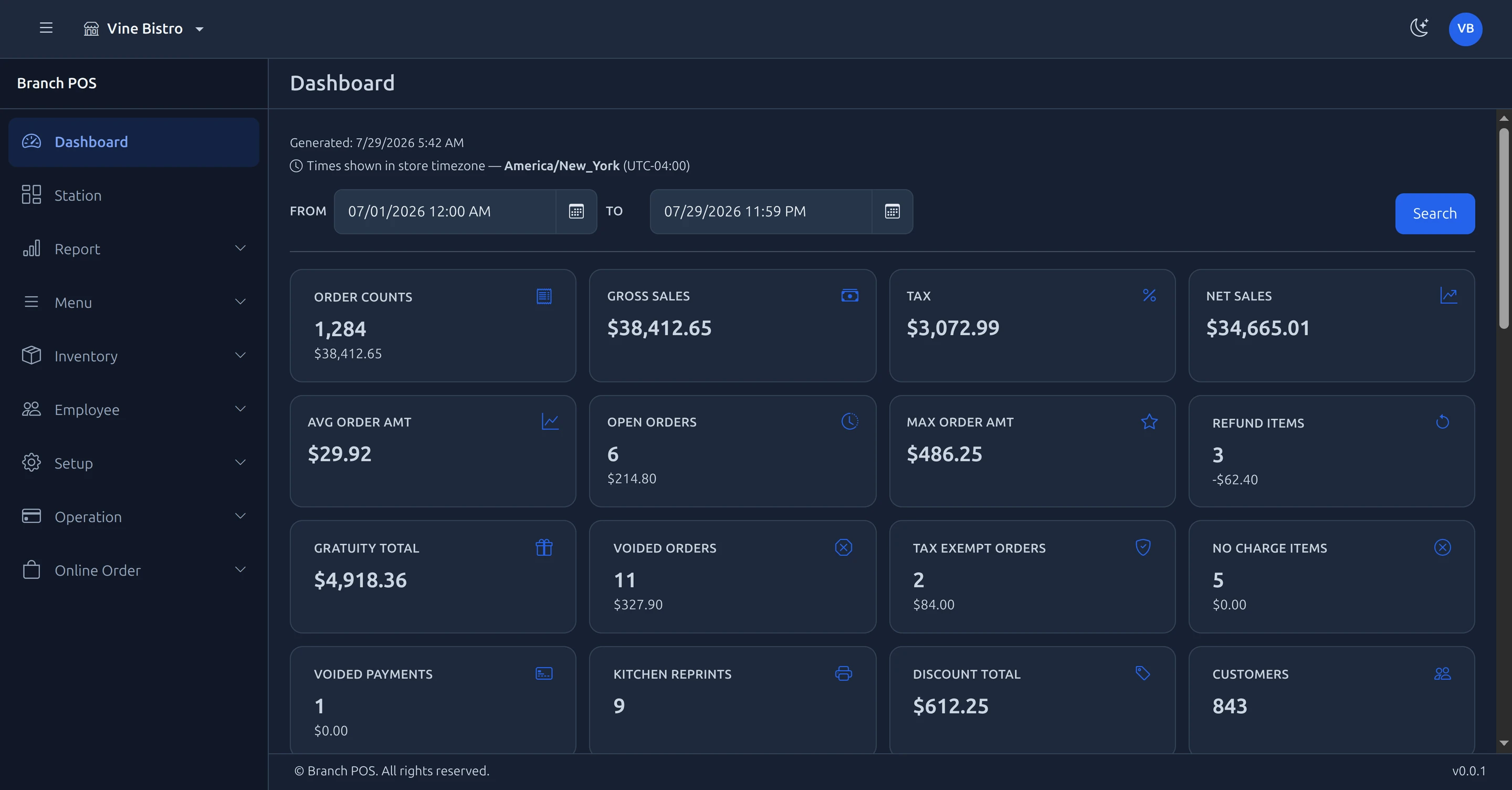
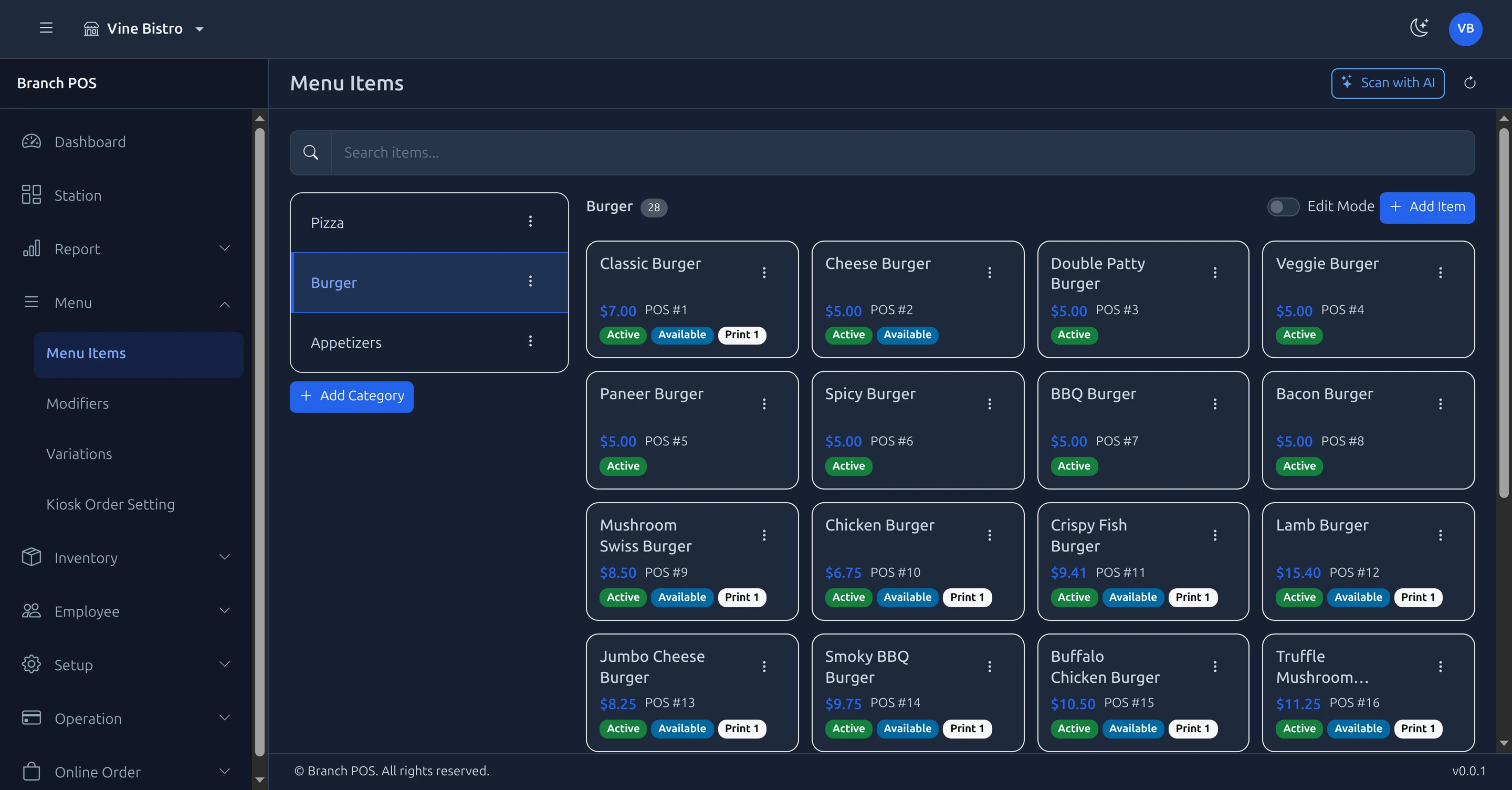
The back office, in a browser.
Menu, items, staff, pricing and settings from any browser. It ships with Branch Eats today.
 01
01At the desk
The whole back office in a laptop browser: menu, items, staff, pricing, settings.
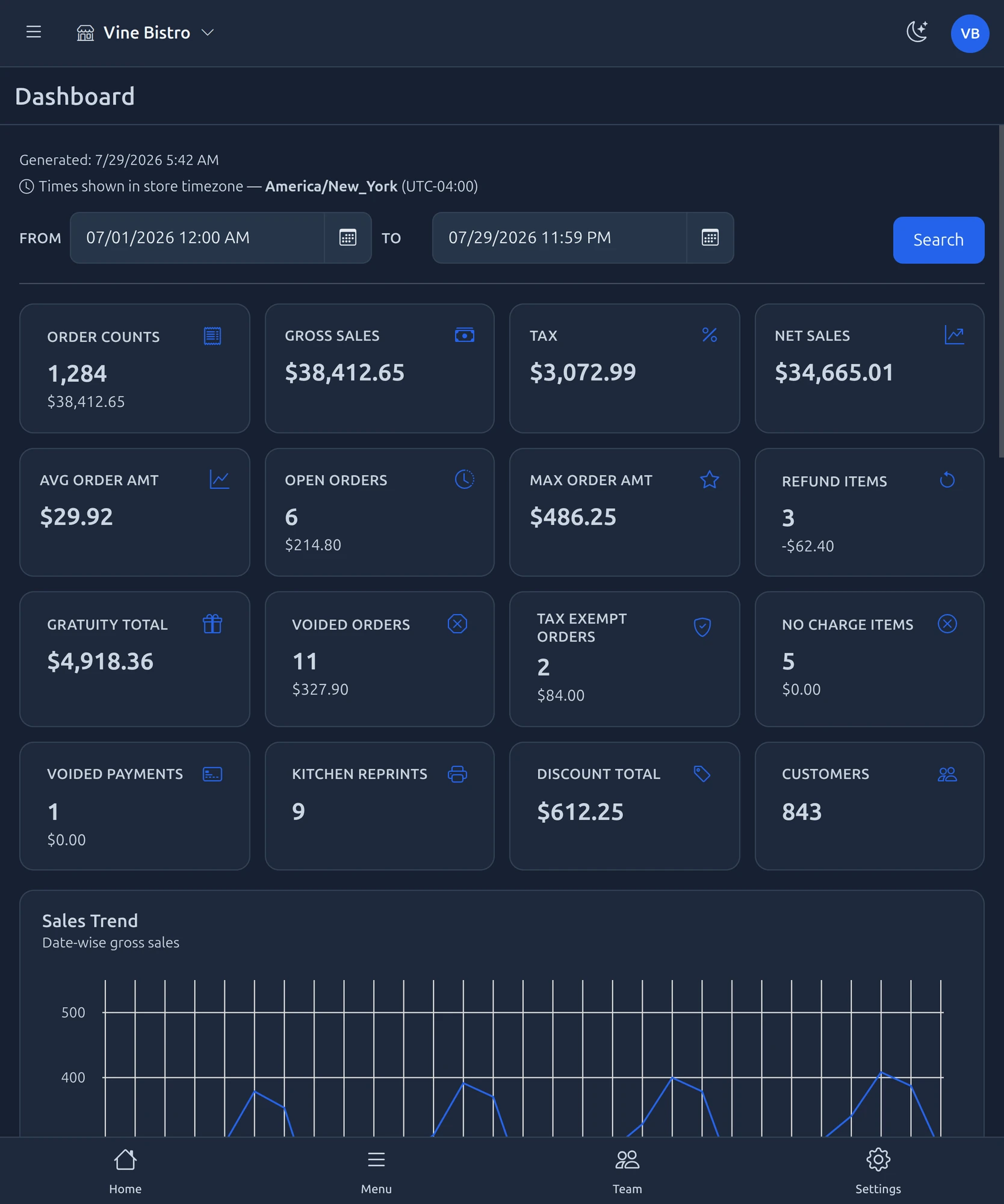
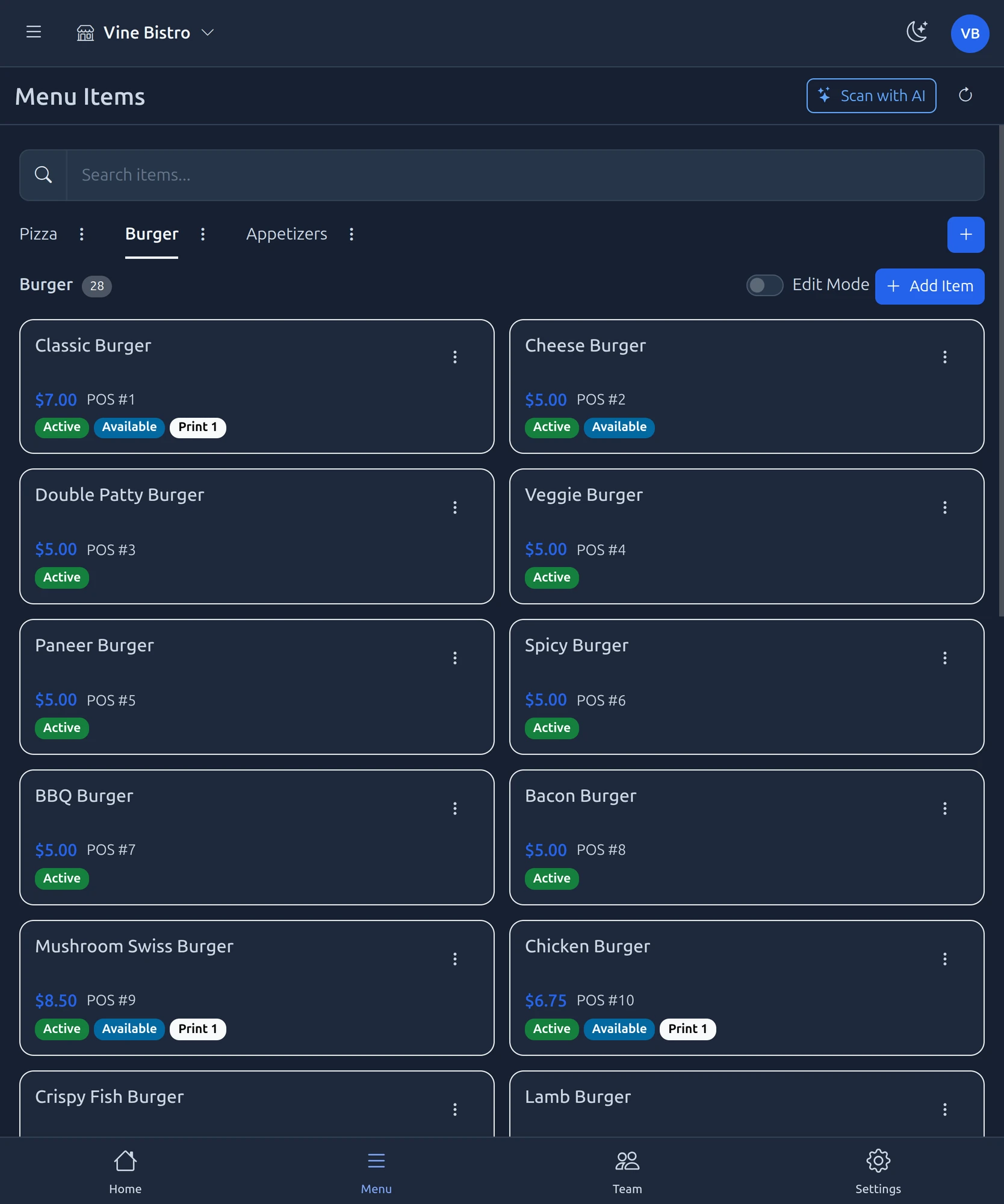 02
02At the pass
The same address on a tablet between tickets, nothing to install on it.
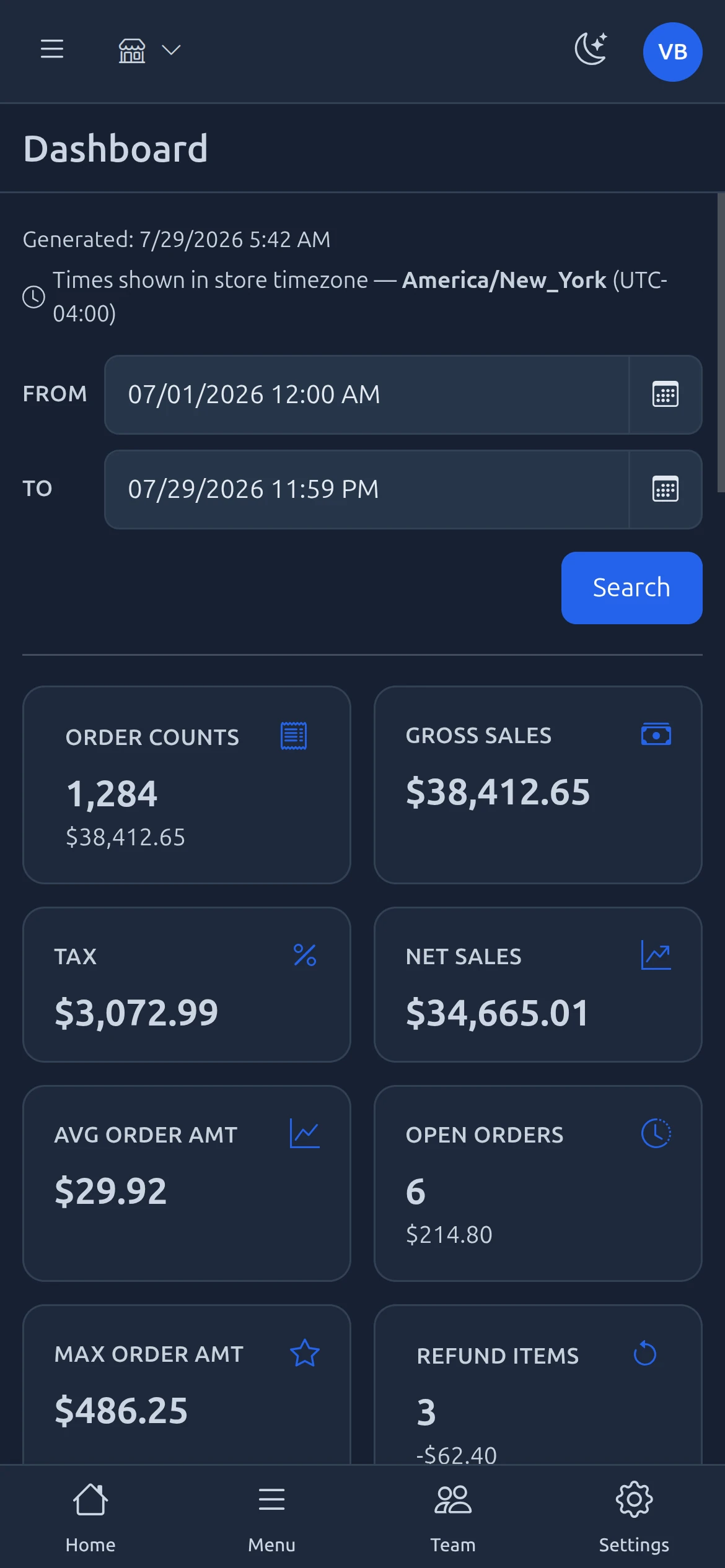
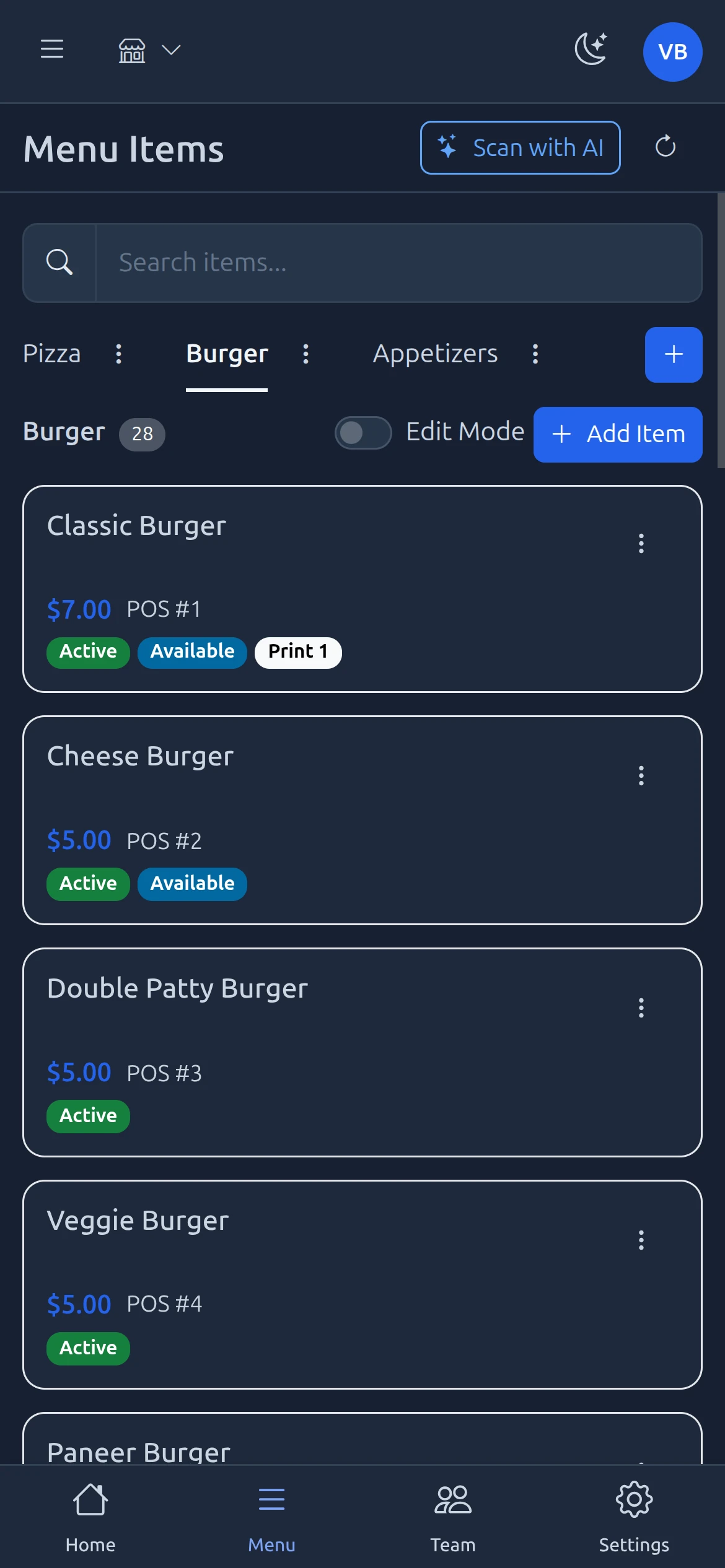 03
03In your pocket
A phone browser off site: same login, same screens, no app to download.
Orders stay read-only, so nothing can be changed remotely while your team is mid-service.
See Branch Eats in your restaurant.
We set the hardware up on site, load your menu and train the people who will use it. Installation and support run out of New York.
Book a walkthrough